


In many companies, the hour calculation for piping work still happens the way it did twenty years ago. A calculation engineer opens the isometric on one screen and a spreadsheet on the other. Then the counting starts: welds, fit-ups, supports, flanges, valves, reducers. For each item the right norm hours are looked up, the materials are noted and everything is typed into the sheet. When the drawing is revised, part of the work starts again.
It works, and experienced calculation engineers are very good at it. But it is slow, it is tiring, and every manual step is a chance for a small mistake that ends up in the price. A missed support or a wrong pipe class is easily overlooked on a busy day.
Let the app do the counting
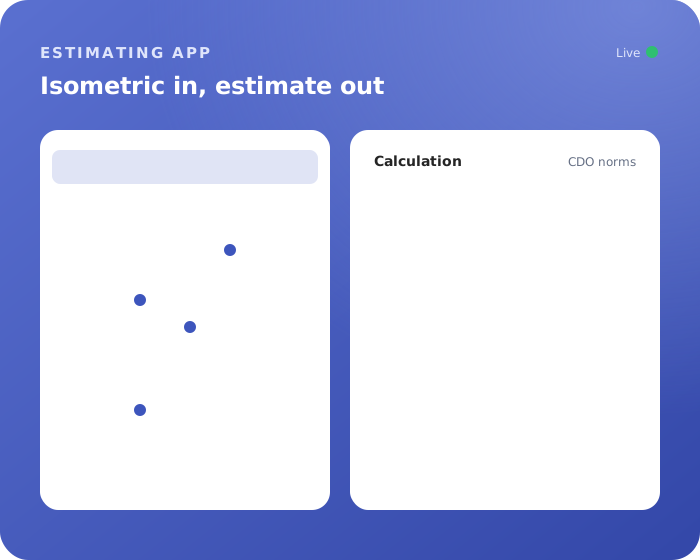
The Calculation App takes over the part of the job that does not need an expert: counting and looking up. You upload the isometric, and about a minute later you have a complete list of work items: the welds and fit-ups, the pipe supports, the flanges, valves and other components, and the materials that go with them.
For every item, the app adds the hours based on CDO norms. The result is a structured calculation: a list of work items, each with its quantity, its norm hours and its materials, ready to be checked.
You stay in control
A calculation you cannot explain is worth very little, so the result is not a black box. You see every line the app found and where the hours come from. You review the list, adjust where your situation is different, for example because of access, scaffolding or a specific material, and add what only you know about the job. Then you export the complete calculation and use it in your offer or budget.
The experience of the calculation engineer goes into the checking and the judgement, not into the counting. That makes calculating faster, and also more consistent: two calculation engineers working on similar drawings start from the same structured list.
Same idea as AI Work Preparation, different result
If you have read about our AI Work Preparation app, this will sound familiar. Both apps start from something you already have and build the next step for you. The difference is what comes out. AI Work Preparation builds a complete work package for execution, with activities in the right order, resources and materials. The Calculation App builds the calculation: what the work will take, in hours and materials, so you can price it or budget it.
Many companies start with one and add the other later. Because both run in the same Microsoft environment, they fit together naturally.
Running in your own tenant
Like all our apps, the Calculation App runs on Microsoft Power Platform in your own Microsoft tenant. Your drawings and calculations are stored in your environment. There is no new software package to install. Your users need a Power Apps license, and the AI processing runs on Azure, in your own subscription or through ours, depending on what is possible in your organisation.
Try it on a drawing you know well
The fastest way to see what it does is to try it on an isometric you know inside out, and compare the result with your own calculation. Book a demo or read more about the Calculation App.